entia non sunt multiplicanda praeter necessitatem -
entities should not be multiplied beyond necessity.
C#.NET, XAML, Windows UWP, Xamarin, WebAPI, WCF, Agile, and other bits and bytes
I couldn't find a cohesive and updated example on how to use azure blob storage, so I created a working example. Well, mostly working. There are a few issues.
What you'll find there is an example that
runs against the local storage emulator (using the UWP client)
If someone has the time to find out how to connect the android emulator to the local storage emulator, kindly answer here
to connect to the local storage emulator from an android emulator, use the following connection string: "UseDevelopmentStorage=true;DevelopmentStorageProxyUri=http://10.0.2.2"
runs against the azure cloud storage
uses connection string with shared keys
uses an ad-hoc Shared Access Signature (SAS) token to provide limited time access to storage containers
bonus: generate and view pdf documents using Syncfusion packages.
For mobile clients (web or mobile apps), you're going to want to steer clear of using shared keys as a means of authenticating with azure storage. Unfortunately this is the mechanism that most of the samples are using.
The recommended way to connect to your azure storage account is by retrieving a temporary SAS Token from a secure service, and then using that token to send and receive blobs from azure storage.
So lets get started.
Step 1: Understand how blob storage accounts work. You can simulate azure storage using the local emulator (although with the SAS Token scenario this currently isn't viable due to the lack of https support), or create an azure storage account and containers.
Step 2: Create a secure server endpoint to serve temporary SAS Tokens. You'll find a ASP.NET Core example in the linked github repo. See the this implementation for generating and returning a SAS Token. More documentation on SAS Tokens can be found here.
The example stores the shared key connection strings in the appsettings.json file. You can provide different appsetings.[ASPNETCORE_ENVIRONMENT].json files, and toggle which one to use in the Properties/launchSettings.json file.
Step 3: Create a client that retrieves the SAS Token, and uses that to create a container which is used to upload and download blob content. In the code example, the AzureBlobStorageService class is responsible for all the heavy lifting. The create container method will analyze the storage settings, preferring SAS Token connections over connection strings that contain shared keys.
To switch between different kinds of usage, you can toggle the implementation of ICloudBlobStorageSettingsProvider in App.cs , or create your own implementation.
In my previous post, I talked about how awesome xamarin is for creating cross-platform mobile apps. I’ve been thinking a lot about customer on-boarding recently, so I thought I’d do another proof of concept app to illustrate it using xamarin.
As before, I prefer using real companies to illustrate the point. I’m a big fan of Highrise, and how they build product, so I thought they’d make a good candidate this time around, especially since they’re pretty transparent about their processes and value proposition, so it was pretty easy to generate content.
Here’s a quick walk-through the result:
So I’m not going to go into too much technical details here — if you want to check out the source code, check out the github repo. Instead I’m going to break down the app page by page:
The Splash Page
There’s nothing great about the android splash screen, except to note that it’s a 9-patch image, which scales and stretches no matter what orientation or screen size the device is.
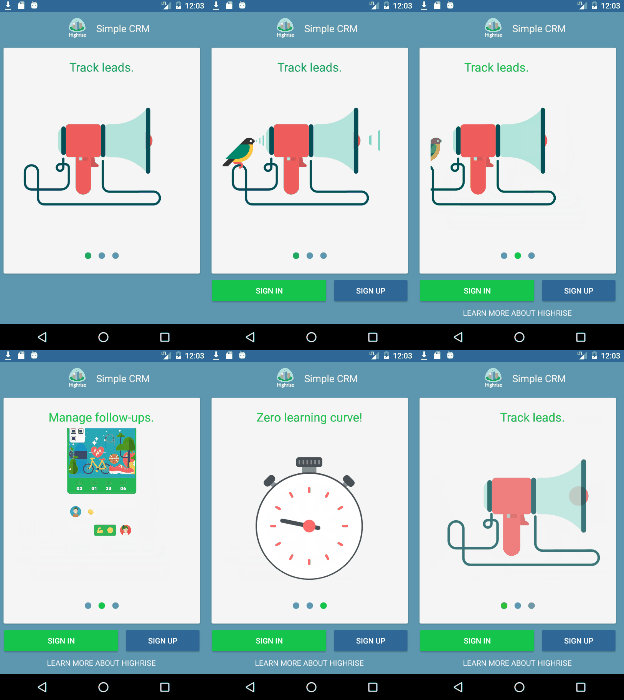
The Welcome Page
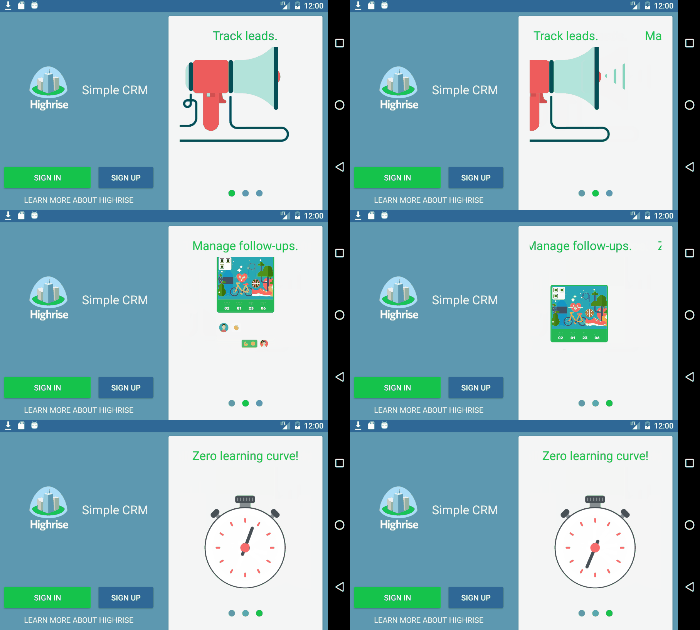
This page is really the main point of doing the proof of concept. It’s the first thing potentially new customers will see, so it really needs to sell your value proposition. Highrise recently went through a jobs-to-be-done exercise with their customers, and came out with three main points, which you’ll now find on their homepage. So it makes sense to have this on the landing page, along with sign up / sign in options. (Here’s another example of this pattern from Charlin Agramonte). As in Charlin’s example, and this one, it’s a good idea to have some sort of movable media to draw the user’s attention. In this case I’m using the wonderfully cross-platform Lottie Animation Xamarin Bindings from Martijn van Dijk.
Points of interest on this page:
Xamarin Forms animation is used to sequentially animate the buttons and ‘more about highrise’ controls
the layout and logo image sizing is adaptive to the orientation of the device.
The Syncfusion Rotator control is used to automatically cycle through the value proposition animations
A ‘learn more’ link in case the user needs some more information before submitting credentials — such as pricing etc.
The Sign In / Sign Up Page
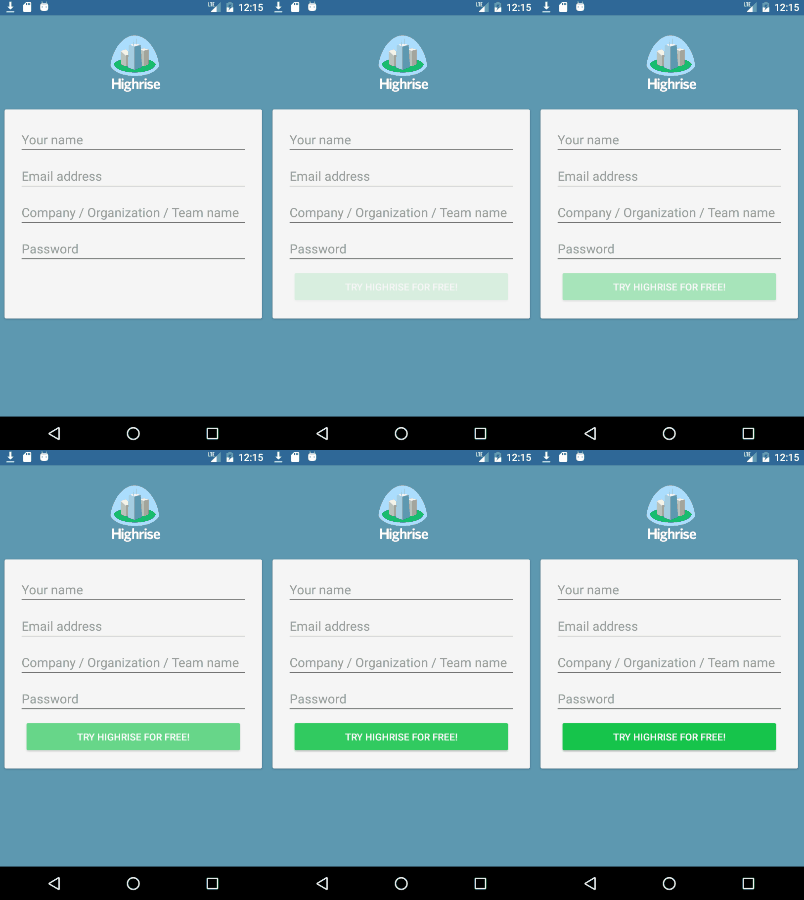
These pages are pretty basic. Keep it simple. Animations purposefully left out of this page as they would detract from the important info, which is the data entry.
Points of interest:
Making use of the floating label design pattern for data entry. This increases the available real estate when working with entry controls
The button animates in to draw attention to the text. Don’t worry — it doesn’t flash, that’s just the gif animation recycling :P
The logo becomes invisible when the device is in landscape mode to ensure enough real estate for the entry fields
The Landing Page
Okay, so the user made it through the signup process, but still has no idea (or at least very little) what the app can do. The idea conveyed here is to guide the user with visual queues, and get them to do the simplest action that is the main value proposition of the app. In this case it’s creating a contact.
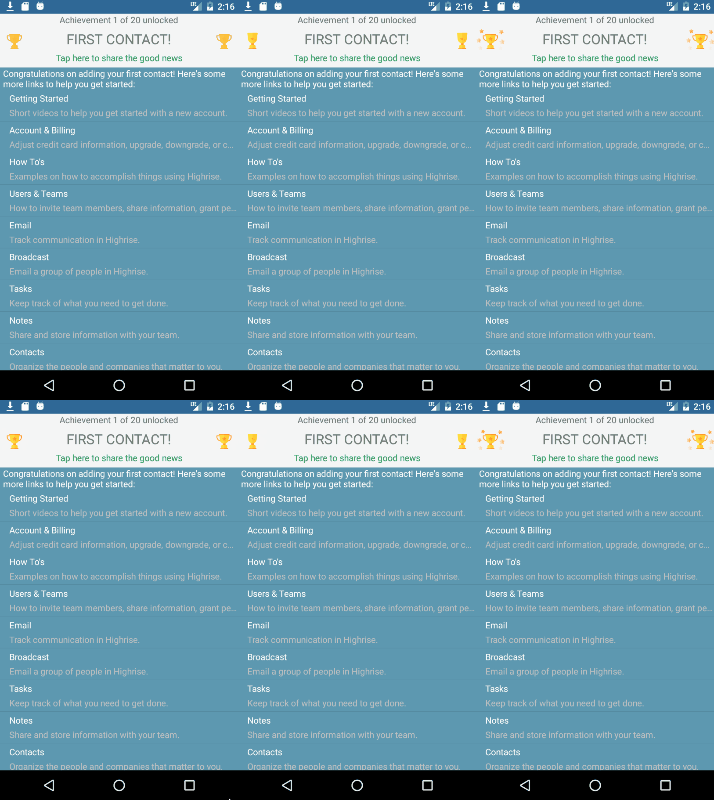
One other thing I wanted to play around with was gamification. So once you’ve created that first contact, the app gives an immediate reward of unlocking your first achievement, along with links to other help topics and features the user may find useful.
The other thing to be aware of, is giving your users opportunities to share their app experience via social messaging. The Landing Page has a generic ‘I think Highrise is awesome’ share button in the toolbar, and each user achievement has a ‘I just achieved X with Highrise’ share link.
Syncfusion Controls
I used the Rotator and ListView (with left and right swipe actions) controls for this project. I also added an animating radial menu control to the contact page, but it’s not working atm.
So about a month ago, fueled by a conversation with a startup CEO, I decided to write a small app as a proof of concept for building an app that is cross platform, in a short period of time.